

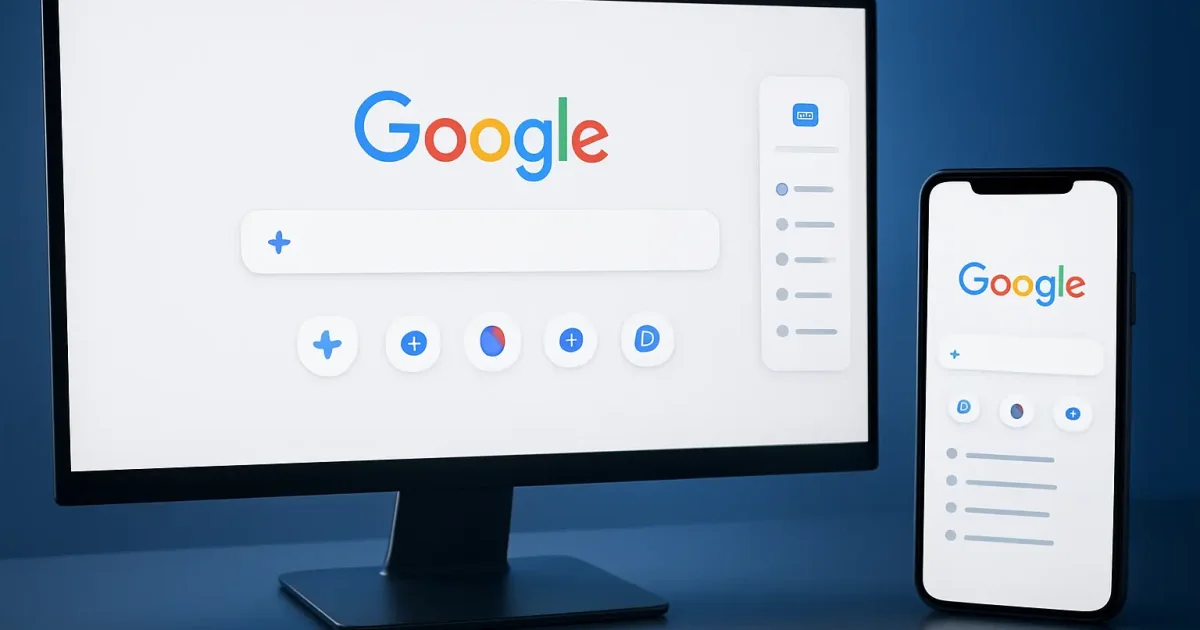
Google is rolling out a new desktop homepage worldwide with Gemini shortcuts and a sidebar of recent AI searches, replacing the classic Google Search button.
Google has started rolling out a redesigned desktop homepage on Google.com around the world, and one of the oldest buttons on the web is missing from it. The "Google Search" button under the search box is gone, replaced by shortcuts tied to Gemini, the company's AI assistant: one to create images, one to analyse files and one to brainstorm ideas. The "I'm Feeling Lucky" button stays, according to Ars Technica. The second change is a collapsible sidebar on the left of the page that lists a signed-in user's recent AI searches, so an earlier conversation can be reopened in one click. Robby Stein, Google's vice-president of Search, confirmed the update on X on 19 November after several weeks of public testing and said it was rolling out globally.
Google's argument is that people now bring questions to Search that are not "one and done". Stein wrote that in testing, the sidebar made a big difference in helping users make progress and keep exploring the web. Losing the button changes little in daily use: once you start typing, the autocomplete list covers it, and most people simply press Enter or pick a suggestion. The redesign matters more as a signal. Since launching AI Overviews and AI Mode, Google has steadily pushed its AI tools to the front of the page as it competes with chatbots such as ChatGPT and Claude. Publishers and some users have criticised that shift, arguing that AI answers keep readers on Google and send less traffic to websites, and Engadget expects the new layout to annoy those critics further.
The announcement covers the desktop version of Google.com; Google has not said the same layout is coming to its mobile apps. Because the rollout is gradual, some people will see the new page days before others, and 9to5Google reported that it had not yet reached its own computers when the change was announced. Ordinary searching works as before: type a query and press Enter. The sidebar only shows history tied to a Google account, so people who are signed out, or who never use AI Mode, will see little of it, and it can be closed with the close-sidebar icon. The open question is how far Google will take this, and whether AI Mode will one day become the default view rather than an option.